

















National
Registration Now Open
March 3, 2027
A Virtual GatheringJoin 15,000+ professionals for a day of inspiring speakers, practical ideas, and meaningful conversations designed to help you grow in your career and beyond.
Plus, enjoy 30 days of on-demand access to keep learning on your own schedule.
Tickets On Sale Now for $150











2027 Tickets
Before you register, please review Helpful Tips.
Questions? Email [email protected].
2027 LINEUP
Keynotes

















Attendee Information
Your virtual National Conference ticket includes:
- Access to all keynote and breakout sessions
- 30 days of on-demand access to breakout sessions
- Virtual 1:1 Resume Reviews and Career Coaching*
- HRCI and SHRM continuing education credits with select sessions
- Structured and informal networking sessions and chats
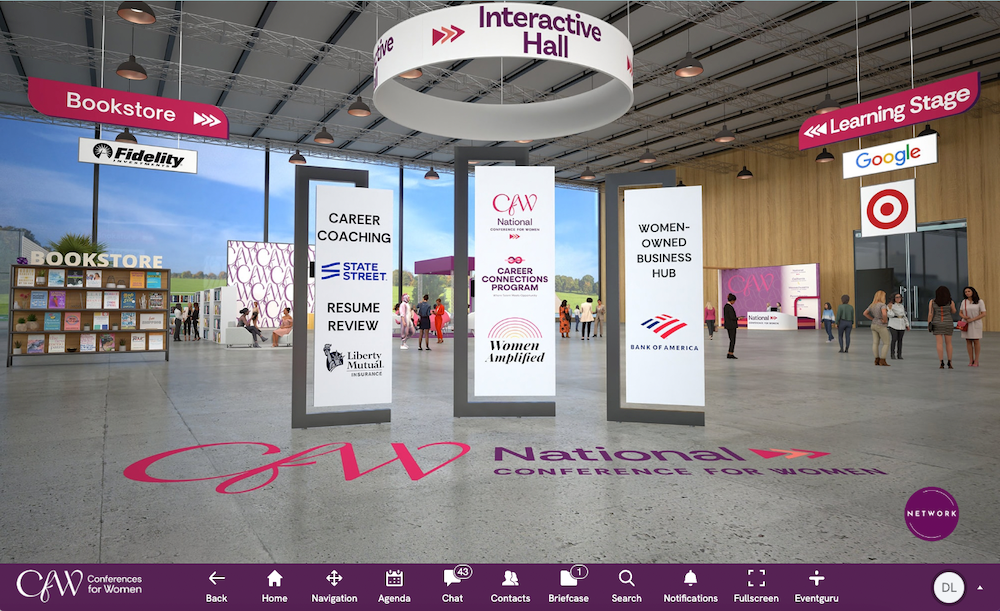
- Access to the virtual Interactive Hall
* First come, first served while availability lasts.
Tickets can be purchased online:
- Individual Ticket: $150
- 10-Pack: $1,250 (Save $250)
If you are attending a 2026 in-person Conference for Women event in Massachusetts, Pennsylvania, or Texas, your ticket already includes free access to the virtual National Conference on March 3, 2027.
Credit cards are the preferred payment method. Checks are permitted, but payment must arrive within 10 business days (30 days for government agencies) or your ticket(s) will be automatically released. Please note that payment by check will only be accepted until February 1, 2027.
Login instructions will be included in your confirmation email. Attendees are required to use the same email used at time of registration.
Yes. Full virtual licenses are available, giving anyone in your company access to the platform for 30 days with a company email address. Great for group viewing, Women’s History Month programming, and individual professional development. Contact Marlyse Fant at [email protected] about sponsorship or virtual licenses.
No. Tickets can be assigned closer to the Conference date.
Yes — purchase a 10-pack and save $250. We do not offer additional discounts (e.g., student, government).
No, you’re already registered. Login access is tied to the email used at registration for the in-person event and may not be shared. Stay tuned for more details in your inbox in early 2027.


The National Conference is hosted on MEETYOO, a secure, interactive virtual event platform (not a webinar or Zoom meeting).
The platform requires specific system and browser settings. A system test and technical guidance will be shared in advance of the Conference. Google Chrome is recommended.
Your attendee profile is how you show up in the virtual Conference environment and connect with others. You choose how much information to share. Certain profile fields enable networking features, including attendee search. Completing more of your profile increases your ability to connect with others. Your profile information is visible to other attendees (excluding your email) and to exhibitors only if you choose to share it (including your email).
Log in to the platform using the same credentials as Conference Day.
Yes. Closed captioning is available for all sessions.
You may log in on one device at a time. Logging in on a second device will automatically end your first session.
Login credentials are for individual use only. If two people log in using the same email at the same time, both will be expelled from the virtual environment.
No. Advance sign up is not required for Keynote and Breakout sessions. We strongly recommend reviewing the agenda in advance to plan your day.
Complimentary 1:1 Resume Review and Career Coaching sessions* (25 minutes in length) are offered virtually within the Conference platform in the days after the Conference. Advance sign up is required.
* First come, first served while availability lasts.
Advance sign-up is required. Sign up in the Resume Review/ Career Coaching booth in the Interactive Hall starting at 10:00 AM ET on March 3. Availability is limited and first come, first served, so log in early for the best chance to secure a session.
Yes. Select sessions will be eligible for HRCI and SHRM continuing education credits through Workology. Eligible sessions will be marked on the agenda once confirmed. After the conference, attendees will complete a Workology submission form for each eligible session attended. One form must be submitted per session to receive one certificate per session, and certificates will be emailed directly to attendees. Questions about certificates can be directed to Workology once the conference-specific support process is confirmed.
The National Conference is hosted on MEETYOO, a secure, interactive virtual event platform (not a webinar or Zoom meeting).
The platform requires specific system and browser settings. A system test and technical guidance will be shared in advance of the Conference. Google Chrome is recommended.
For the best experience:
- Use a laptop or desktop computer.
- Mobile and tablet access is supported, but some interactive features work best on a computer.
- Google Chrome is the recommended browser.
CFW is here to support you:
- Conference Day: Visit the Help Desk inside the platform to chat with support staff and view the library of helpful ‘How-To’ videos.
- Anytime: Contact technical support at [email protected]
If you encounter a black screen, try the following:
- Turn off your VPN.
- Check firewall settings or contact your system administrator. Access may need to be enabled for:
meetyoo.com, meetyoo.live, meetyoo.de - Run an internet speed test (search “Speed Test” in Google) to confirm sufficient bandwidth.
You may also use this system test tool.
All sales are final. Tickets are non-refundable.
Please note that speaker lineup is subject to change.
Tickets may be transferred once at no additional cost. Log in to your registration to reassign your ticket and send a confirmation email to the new attendee.
Yes. Closed captioning will be available for all sessions.
No. The Conference is open to everyone.
Visit our Sponsor page or contact Marlyse Fant at [email protected] to learn more about sponsorship.
2027 Agenda
March 3, 2027
All times are listed in Eastern Time. The platform will automatically adjust session times to your home time zone.
Select sessions are eligible for HRCI and SHRM continuing education credits through our partner, Workology.
Speakers and schedule are subject to change.
Get settled and familiar with the virtual platform before the program kicks off at 10 am.
FEATURING BOOTHS, ACTIVATIONS AND EXPERIENCES INCLUDING:
- CareerWorks* offering complimentary 1:1 Career Coaching & Resume Reviews.
- The Learning Stage features mini-masterclasses with actionable takeaways on leadership, career, or wellbeing topics.
- Online Bookstore, featuring exclusive author readings created just for our community.
*First come, first served
JOIN US IN THE NETWORKING LOUNGE ALL DAY ON CONFERENCE DAY
- Reply to group chat prompts
- Participate in structured and unstructured group networking activities
Career and Wellbeing mini-masterclasses to support your professional and personal growth. Speakers and sessions will be announced soon.
Hormones, Explained: The Truth Your Body Deserves
For too long, women have been told to just “deal with it” — the mood shifts, the brain fog, the sleep disruptions, the energy crashes, and the feeling that your body has stopped cooperating. Dr. Amy Shah is here to tell you: you’ve deserved better information all along. In this presentation, Dr. Shah — double board-certified physician, nutritionist, bestselling author, gut health expert, global educator, and author of Hormone Havoc — breaks down what’s actually happening to your hormones, from your mid-30s through menopause and beyond. No shame, no confusion, just clear, science-backed answers that finally make sense of what you’ve been experiencing. You’ll leave knowing what to expect at every stage, how to advocate for yourself with your doctor, and how to feel like yourself again with the facts to back it up. Your body isn’t failing you. It’s asking to be understood.
Speaker: Dr. Amy Shah, Double Board-Certified Physician and Bestselling Autho
Meet our full keynote lineup. Check back soon to see who’ll take the virtual stage in each Keynote Session.
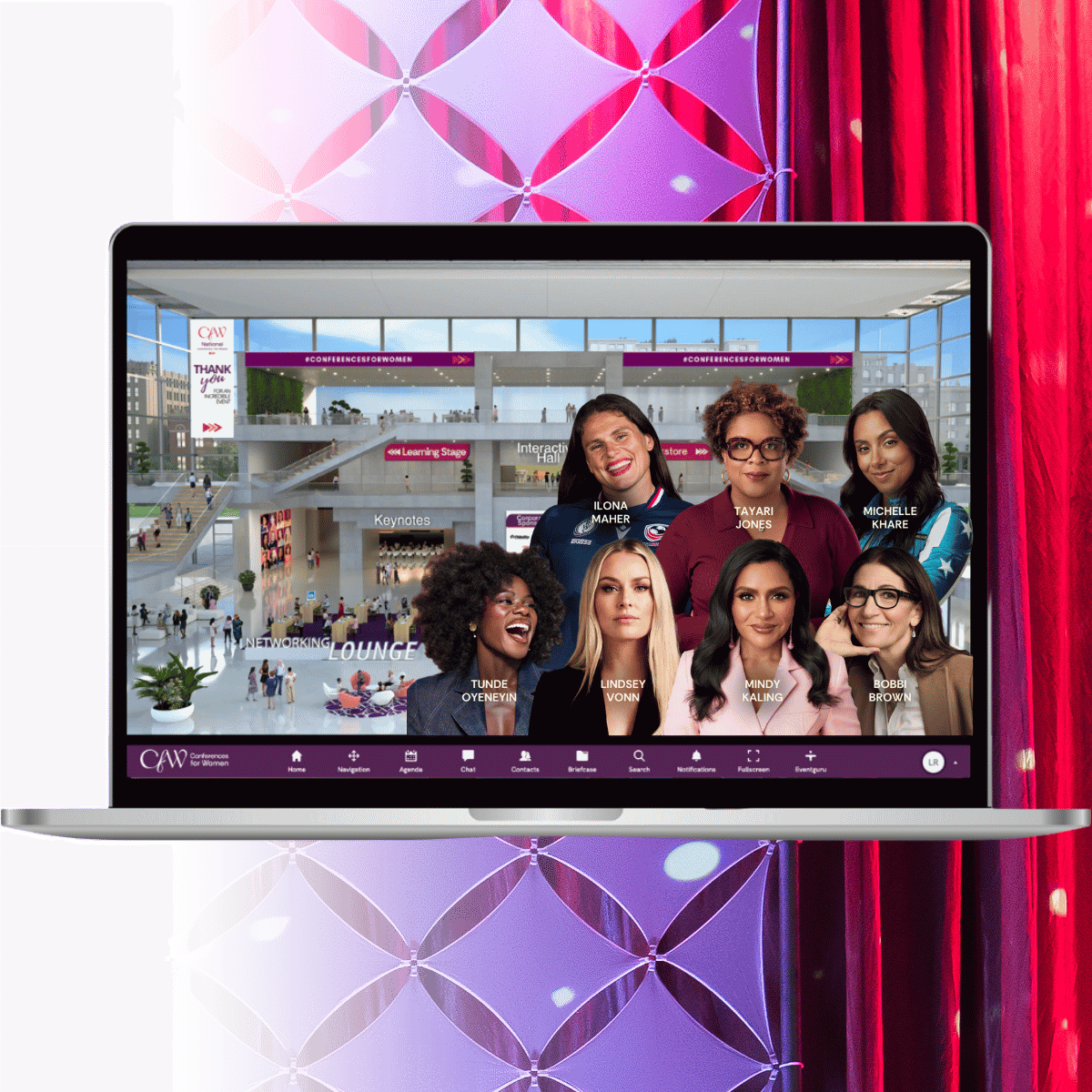
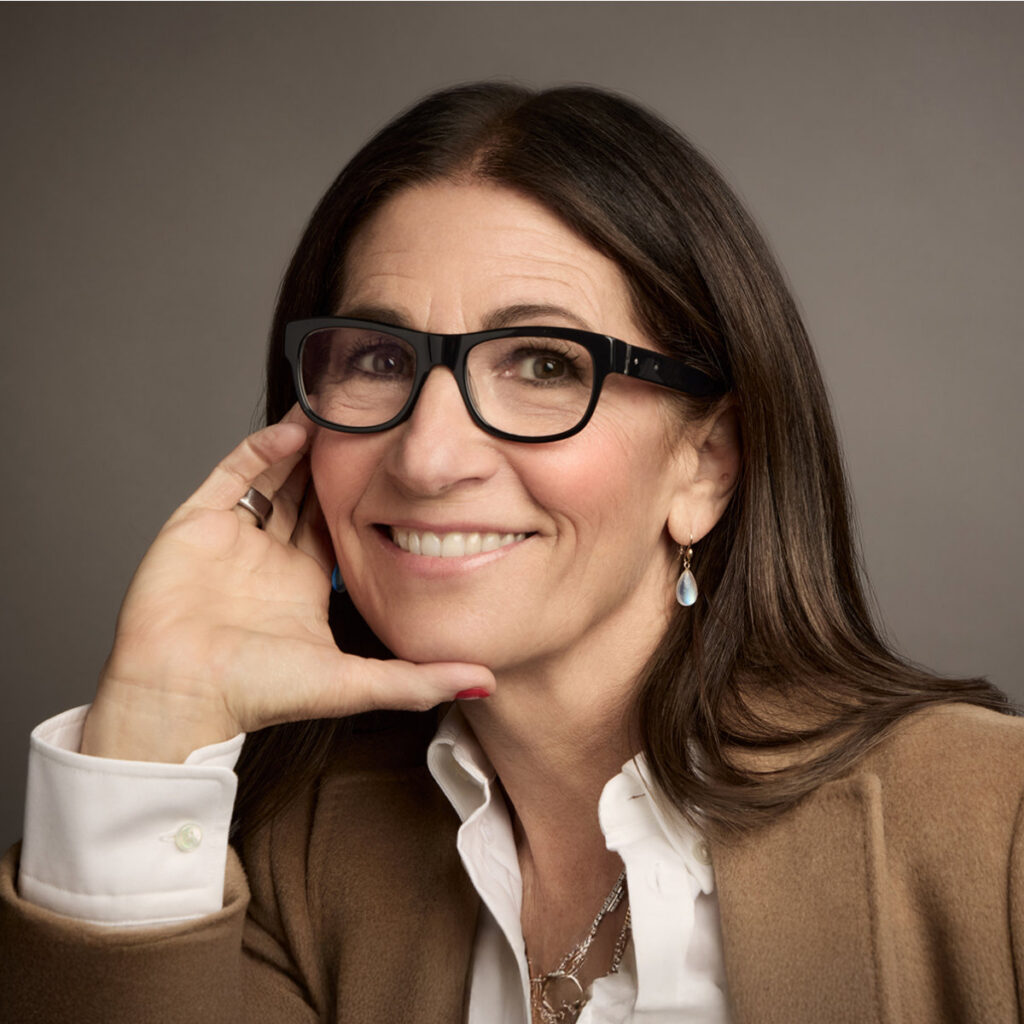
Bobbi Brown, Makeup Artist and Founder, Jones Road Beauty
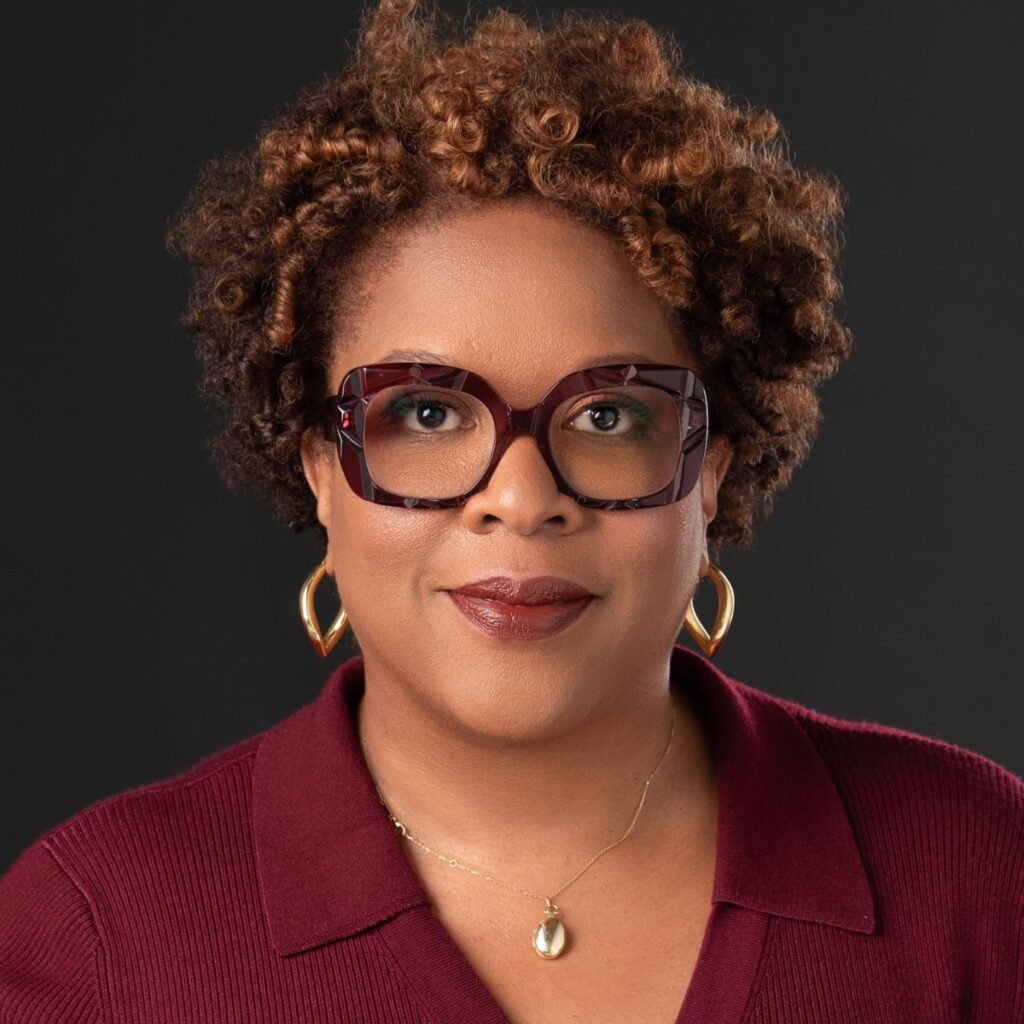
Tayari Jones, New York Times Bestselling Author and TIME100 Honoree
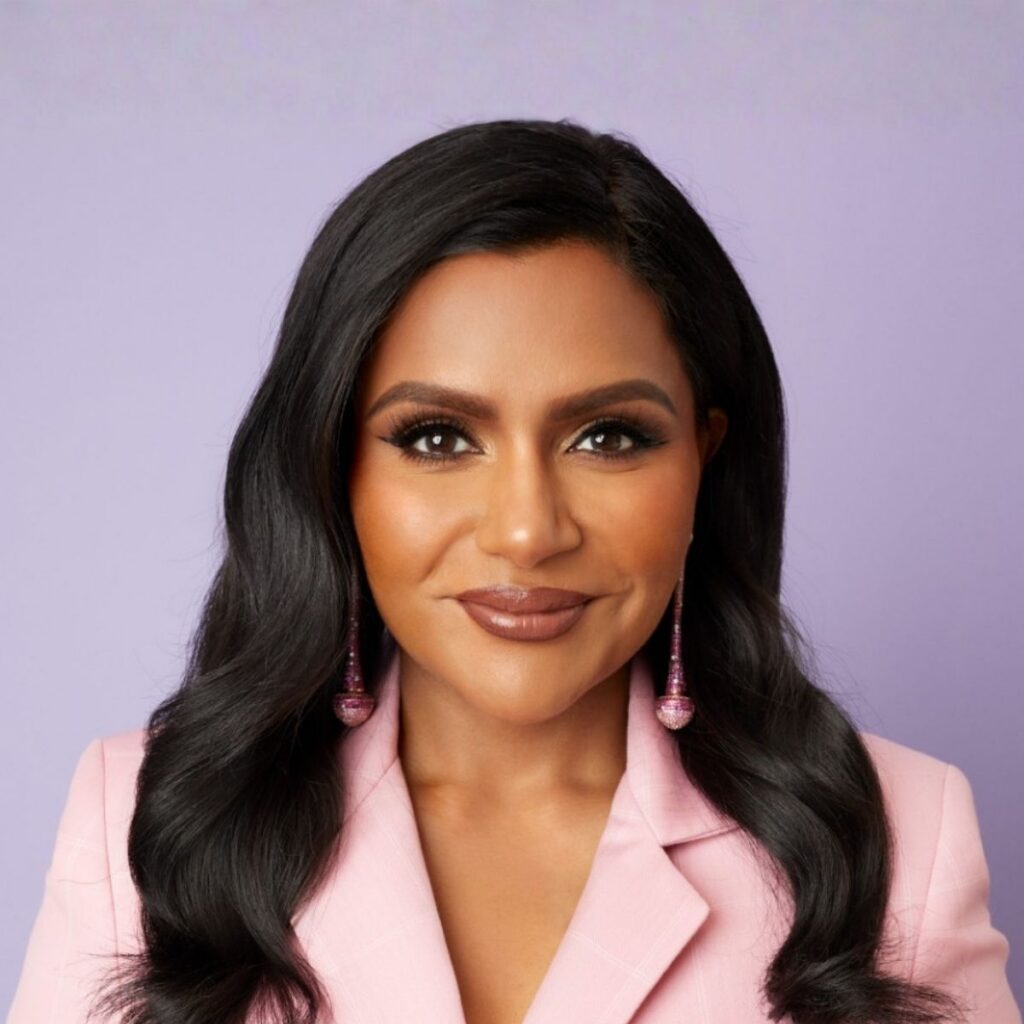
Mindy Kaling, Tony-Award Winning & Emmy-Nominated Writer, Producer, and Actor
In Conversation With Elaine Welteroth, Award-Winning Journalist, New York Times Bestselling Author, TV Host and Founder of birthFUND
Michelle Khare, Host & Creator of Challenge Accepted and TIME100 Honoree
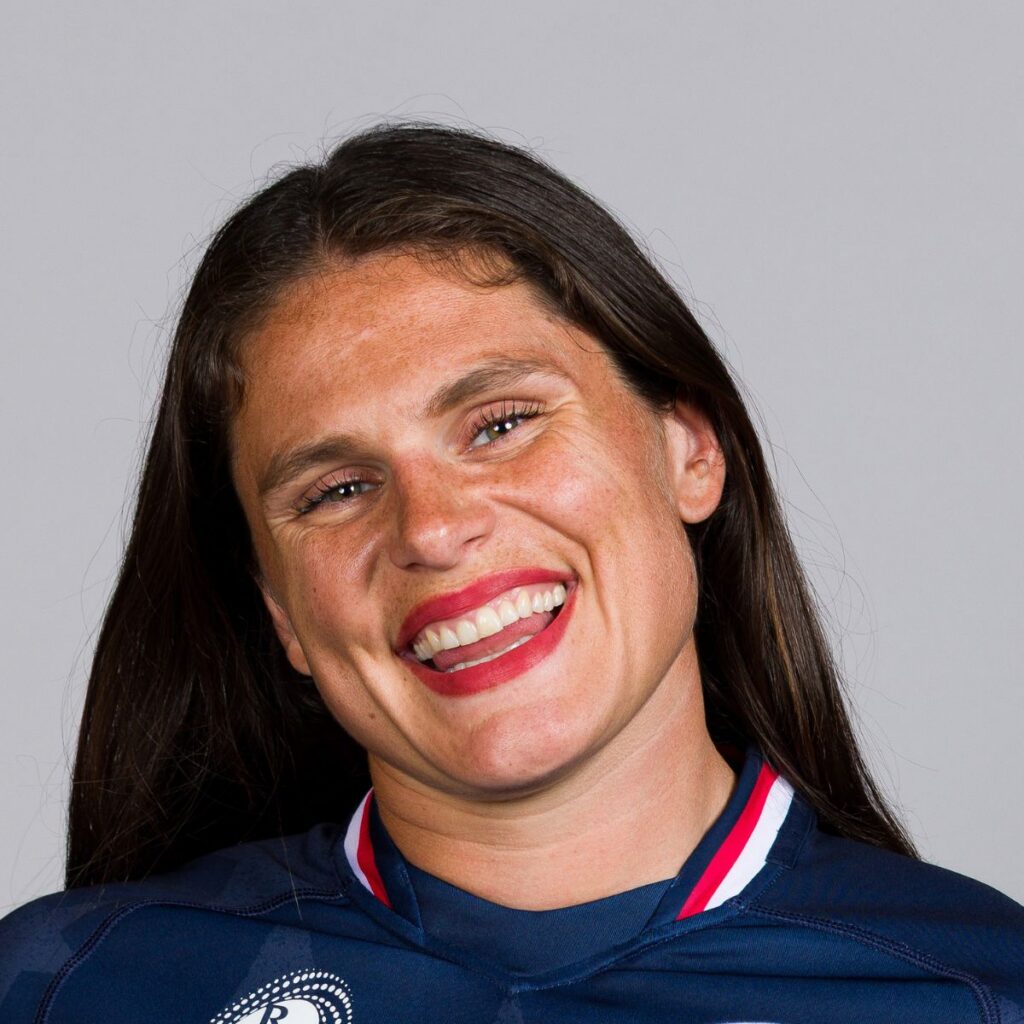
Ilona Maher, 2X Team USA Rugby Olympian, Olympic Bronze Medalist
In Conversation With MJ Acosta-Ruiz, Emmy Award-Winning Sportscaster
Tunde Oyeneyin, Instant New York Times Bestselling Author, Peloton Instructor, Nike Athlete, Change Maker
Lindsey Vonn, Olympic Ski Champion, Entrepreneur and Philanthropist
In Conversation With Lisa Ling, Emmy Award-Winning Journalist
Speakers and schedule are subject to change.
From Locker Room to Boardroom: Leading Teams That Rise
What does it take to build a team that shows up fully — not just when it’s easy, but when the stakes are highest? Duke Women’s Basketball Head Coach Kara Lawson makes a compelling case that belonging isn’t a team-building exercise, it’s a competitive advantage. Drawing on her experience leading at the highest levels of sport, Kara explores how clarity, shared standards, and genuine accountability create the conditions where individuals start rising together and perform better when it matters most. Walk away with practical strategies for building teams that drive confidence, resilience, and collective excellence.
Speaker: Kara Lawson, Duke University Head Women’s Basketball Coach and USA Basketball Women’s National Team Head Coach
Moderator: To Be Announced
Host: To Be Announced
The Signal Gap: How to Boost Your Influence
Have you ever left a meeting knowing your idea was right, but watched someone else get the credit? The problem usually isn’t what you said. It’s the gap between what you intended and what the room actually received. In this session, workplace performance expert Henna Pryor breaks down the hidden signals that shape how you’re read in a room — your tone, your body language, your presence in a meeting — and how misalignment between any of them quietly erodes your influence before you’ve finished your sentence. Drawing on behavioral science and her newest book The Signal Gap, she helps you identify exactly where that disconnect is happening and why even your strongest ideas can get quietly doubted or overlooked. You’ll walk away knowing which signals build instant credibility, which ones are silently working against you, and how to align them so your voice lands the way it deserves, in every room that matters.
Speaker: Henna Pryor, Workplace Performance Expert, Author and Columnist, Inc.
Host: To Be Announced
Reclaiming Your Emotional Sensitivity
Have you ever been told you’re too sensitive, too emotional, or simply too much, and quietly started to believe it? In this session, board-certified psychiatrist and author of Too Sensitive Dr. Sasha Hamdani reframes emotional sensitivity not as a personality flaw, but as a highly responsive nervous system doing exactly what it was designed to do. She explores how everyday moments — a delayed text, a shift in tone, feeling overlooked in a meeting — can spiral into self-doubt and withdrawal, and why for so many women this experience is rooted in biology, not weakness. Drawing on her expertise in brain chemistry, hormones, and emotional sensitivity, Dr. Hamdani shares how these factors shape the way we feel and respond, and why this is exacerbated for the estimated 20% of the workforce who are neurodivergent. Learn techniques to regulate emotional intensity in real time, navigate high-stakes dynamics at work and in life, and channel your sensitivity into a grounded, sustainable strength.
Speaker: Dr. Sasha Hamdani, Board-Certified Psychiatrist, ADHD Clinical Specialist, and Author, Too Sensitive
Host: To Be Announced
Session and Speakers To Be Announced
The Uncertainty Advantage: Finding Clarity When It Matters Most
The path forward isn’t always clear and yet decisions still have to be made, and the stakes have never felt higher. Competing priorities, evolving expectations, and constant change can make it difficult to know when to move forward and how. In this session, decision strategist Parul Somani introduces her Path of Least Regret® framework, a practical approach for making thoughtful decisions when the future is uncertain. Through stories, insights, and actionable tools, she will show how you can evaluate tradeoffs, reconnect with your core priorities, and move forward with confidence. You will leave with a practical framework to cut through the noise, make decisions with conviction, and never look back.
Speaker: Parul Somani, Decision Strategist & Bestselling Author, The Path of Least Regret
Host: To Be Announced
Job Therapy: From Frustrated to Fulfilled
Most of us know when something feels off at work, yet we can’t put our finger on what. So we blame the boss, the workload, or the commute. But according to NYU social psychologist and author of Job Therapy Dr. Tessa West, the real culprit is almost always a deeper psychological need that isn’t being met — and until you identify it, no job change will fix it. This session will explore five common sources of career frustration — from feeling like an underappreciated star to drifting apart from work you once loved — and help you diagnose exactly which one is yours. Through her working week audit, Tessa will help you examine how you’re actually spending your time, where your energy is being drained, and what that reveals about what you truly need to thrive. Backed by cutting-edge insights from interviews with over 1,500 recruiters, you’ll walk away with a practical plan to find work that works for you — whether that means reimagining your current role or finding your next one.
Speaker: Tessa West, Psychology Professor, New York University and Communication Expert
Host: To Be Announced
Why Mattering Matters: The Foundation of a Life Well Lived
In a world moving faster than ever, too many of us are left asking a quieter, harder question: do I matter? Award-winning journalist and bestselling author Jennifer Breheny Wallace makes an urgent case that mattering — the feeling that we are valued and have value to offer — is a core human need, as essential to our wellbeing as food and water. And yet it’s quietly eroding. Drawing on research and deeply moving stories of mattering lost and regained, we will explore how burnout, disconnection, and lack of purpose are rarely about circumstance — they’re about an unmet human need. You’ll walk away with practical tools to strengthen your own mattering core, deepen your relationships, and navigate life’s uncertainties with greater resilience and purpose at work and beyond.
Speaker: Jennifer Breheny Wallace, Award-winning journalist and Bestselling Author
Host: To Be Announced
Wired and Tired: The Hidden Health Costs of Our Digital Lives
We know screens are everywhere — but do we know what they’re actually doing to our bodies? Award-winning NPR host and author Manoush Zomorodi set out to find the answer — and the findings from her groundbreaking research from the Body Electric study reveal a surprising truth about what our screen-saturated lives are doing to our bodies. From everyday symptoms like posture problems, disrupted breathing, and restless sleep, to serious long-term conditions like diabetes, high cholesterol, and heart disease — the consequences are real and largely invisible to most of us. And for women navigating hormonal shifts and menopause, a sedentary screen-filled lifestyle can make every one of those symptoms worse. So what if the solution isn’t a total digital detox, but something far more doable? In this session, Manoush will share scientifically-backed ways to counteract the toll of modern life without giving up the technology we rely on. Walk away with simple, powerful habits to interrupt that cycle, reclaim your health, and feel better in your body immediately —without having to overhaul your life.
Speaker: Manoush Zomorodi, Award-winning Host, NPR’s TED Radio Hour and Bestselling Author
Host: To Be Announced
Meet our full keynote lineup. Check back soon to see who’ll take the virtual stage in each Keynote Session.
Bobbi Brown, Makeup Artist and Founder, Jones Road Beauty
Tayari Jones, New York Times Bestselling Author and TIME100 Honoree
Mindy Kaling, Tony-Award Winning & Emmy-Nominated Writer, Producer, and Actor
In Conversation With Elaine Welteroth, Award-Winning Journalist, New York Times Bestselling Author, TV Host and Founder of birthFUND
Michelle Khare, Host & Creator of Challenge Accepted and TIME100 Honoree
Ilona Maher, 2X Team USA Rugby Olympian, Olympic Bronze Medalist
In Conversation With MJ Acosta-Ruiz, Emmy Award-Winning Sportscaster
Tunde Oyeneyin, Instant New York Times Bestselling Author, Peloton Instructor, Nike Athlete, Change Maker
Lindsey Vonn, Olympic Ski Champion, Entrepreneur and Philanthropist
In Conversation With Lisa Ling, Emmy Award-Winning Journalist
Speakers and schedule are subject to change.
Don’t forget to fill out your attendee survey — Your feedback is invaluable.
STAY CONNECTED
Get Our Updates, Insights, and Valuable Resources
2027 Sponsors
Presenting

Champion